
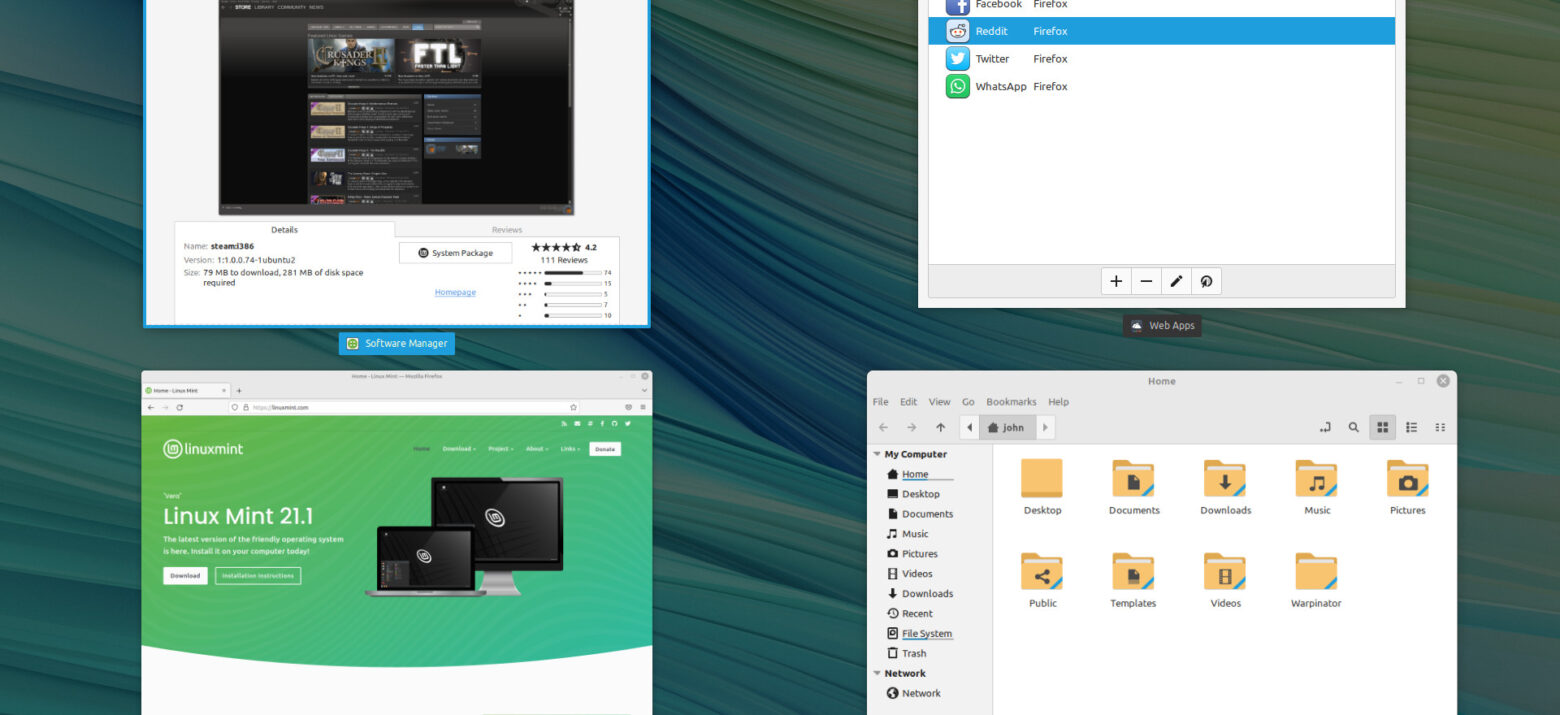
If you’re like most, you have an older Windows (or even Mac) laptop or PC you retired when it got too slow or could no longer support Windows 10 or 11. Whether it’s five, 10 or even 15 years old, no matter. You can give that old computer new life by installing Linux on it.
With Linux Mint, you can transition quickly and easily from your Windows or Mac world to Linux. There’s no need to be a techie. The environment is familiar and intuitive. You can also install a free version of ChromeOS Flex if you prefer a ChromeBook experience.
What you need:
- A USB thumb drive that’s at least 8 GB
- Another working computer (to download the Linux .iso and write it to the USB drive)
- Balena Etcher (free)
- An old 64- or 32-bit laptop
Install steps
Linux Mint offers complete, easy-to-follow instructions on this website.
If you have an older 32-bit system, you may need to download and install an older version of Linux Mint (or use another flavor of Linux such as Ubuntu). Be sure your old laptop has at least 4GB of memory. Linux doesn’t take up much disk space, so any recent model laptop or PC will have plenty of storage to accommodate an installation.
Even with 4GB of memory, you’ll find Linux Mint to be speedy and useful, giving new life to your older computer. It also has a broad support community, so you can readily find answers to questions about running updates and installing new programs.
Features
Linux Mint comes with the Firefox web browser, Libre Office (a full Microsoft-style suite of office tools), and dozens and dozens of free applications. It also supports most video, wifi, sound, keyboards, and other hardware, auto-detecting them during installation.
If you don’t want to do it yourself, I can do it for you for just $50 (local folks only).